
# Creating Notification Template
Access Notification Templates under Notifications >> Notifications Templates
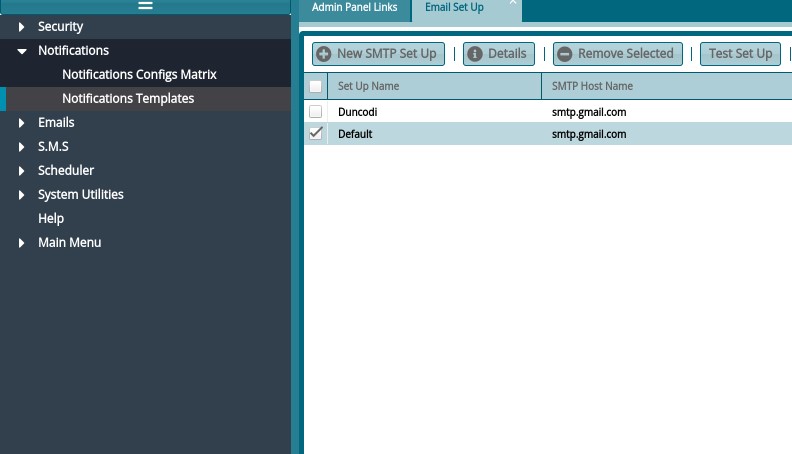
See notification templates in the following window:
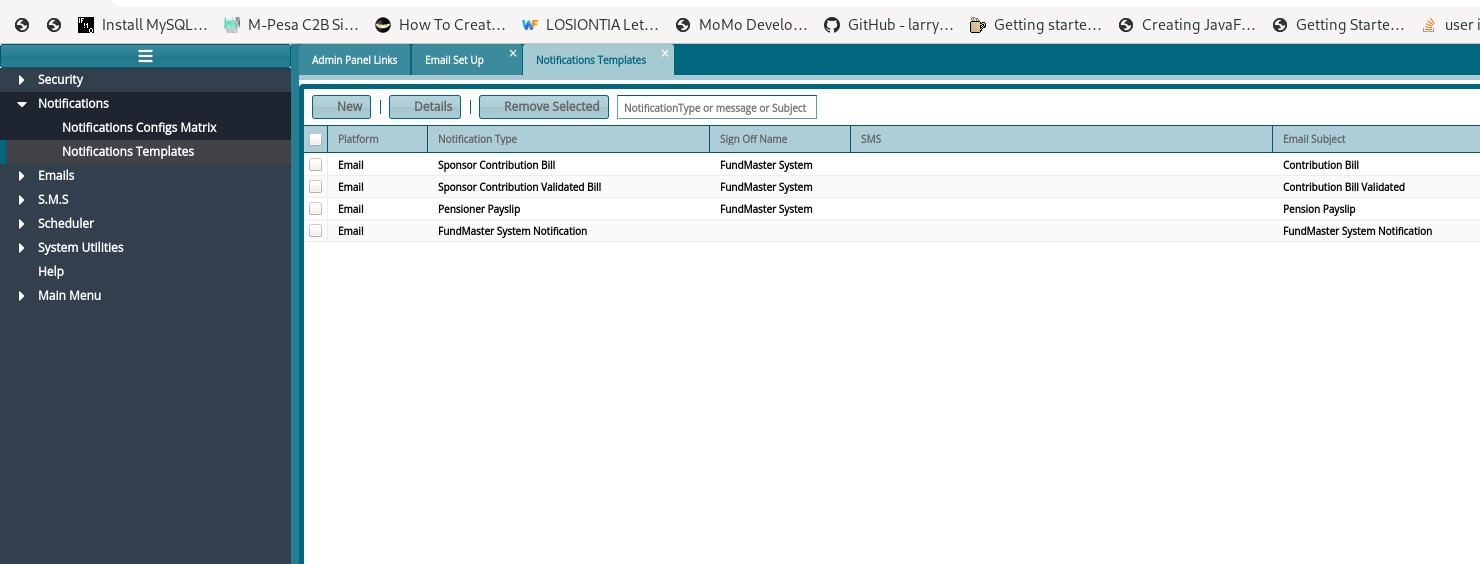
To Create a new one, Click on New
To Edit Existing one, click on Details
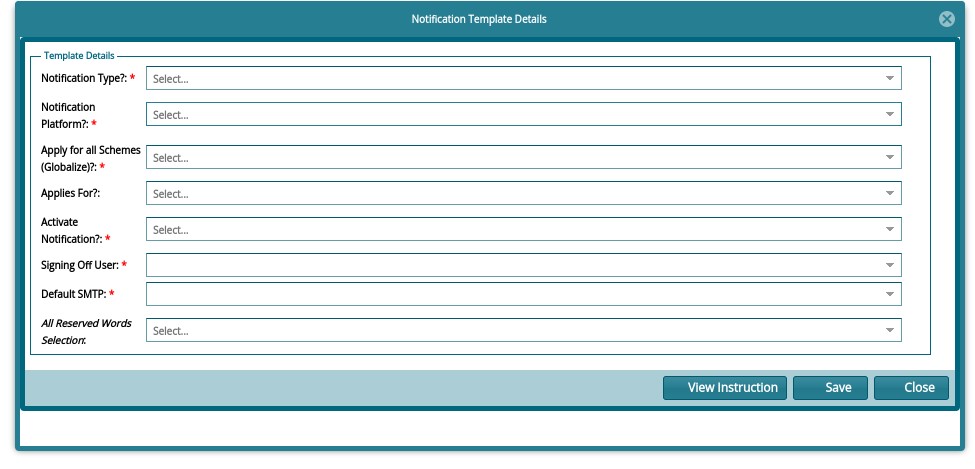
Select Notification Type: e.g., Pensioner Pay slip
Notification Platform: Email
Apply for all schemes? No
Applies For: Per Scheme Only
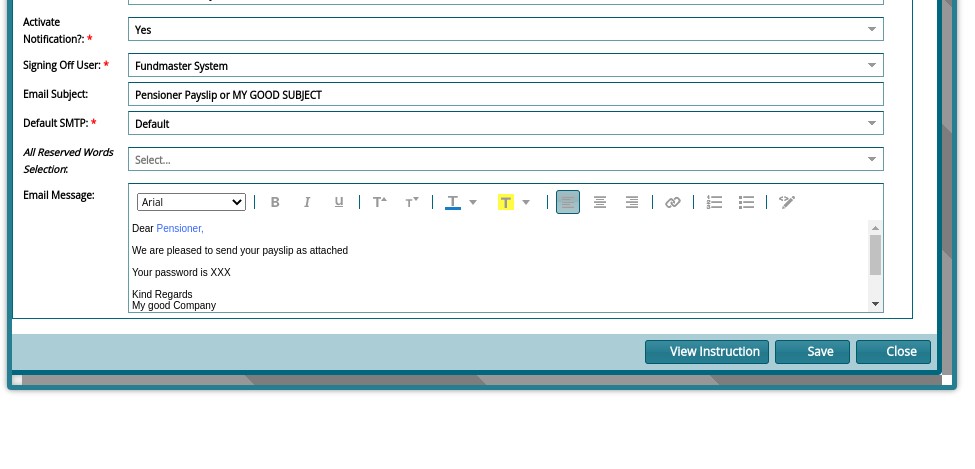
Activate Notification? YES
Signing off user: Select your username (will not appear in the email anyway)
Default SMTP: Select your smtp
By this time, you have an email subject and body appearing as shown
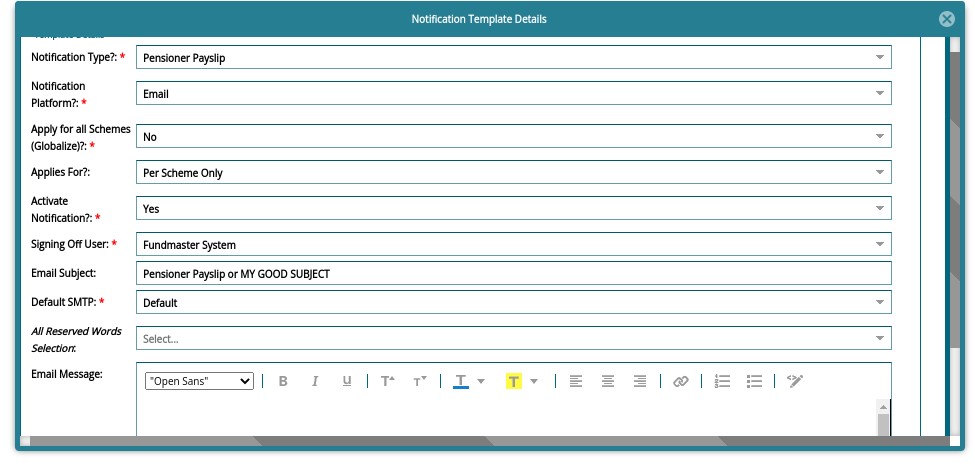
NB: Please Type in the email, don't copy paste. Format using available options on the email body. This will prevent special characters from copy pasting. Type in the whole body until Signature.
Your template is ready. Proceed to email your documents. Happy emailing!