# Generating member Exit Options Form
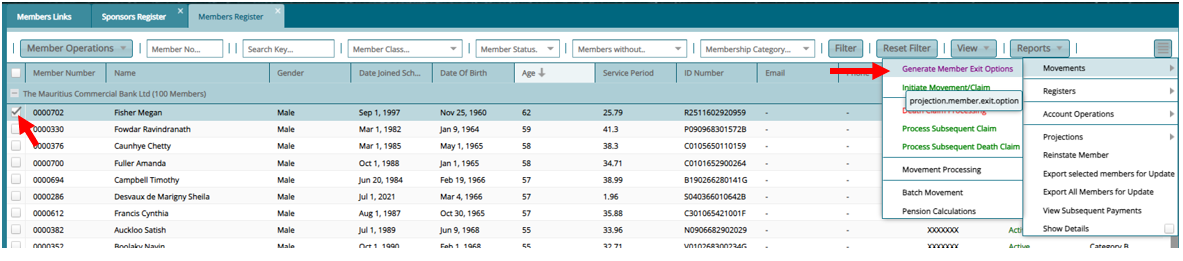
Step 1: Select a Member to Generate an Exit Form
From the Member Register, Select the member you wish to generate the exit form, click on the expert links on your right. Then click on "Movements" then "Initiate Movement/Claim"
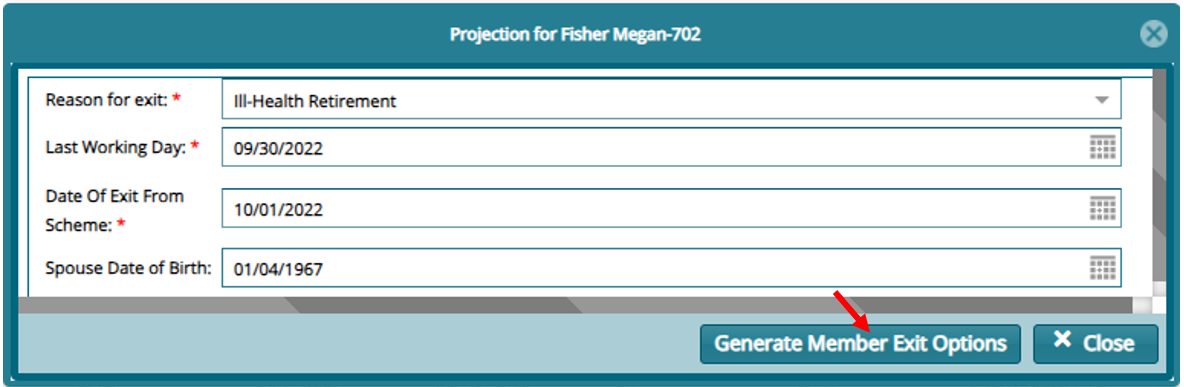
Step 2: Provide Exit Details as Required
On the form that opens, input the details as required and click on "Generate Member Exit Options"
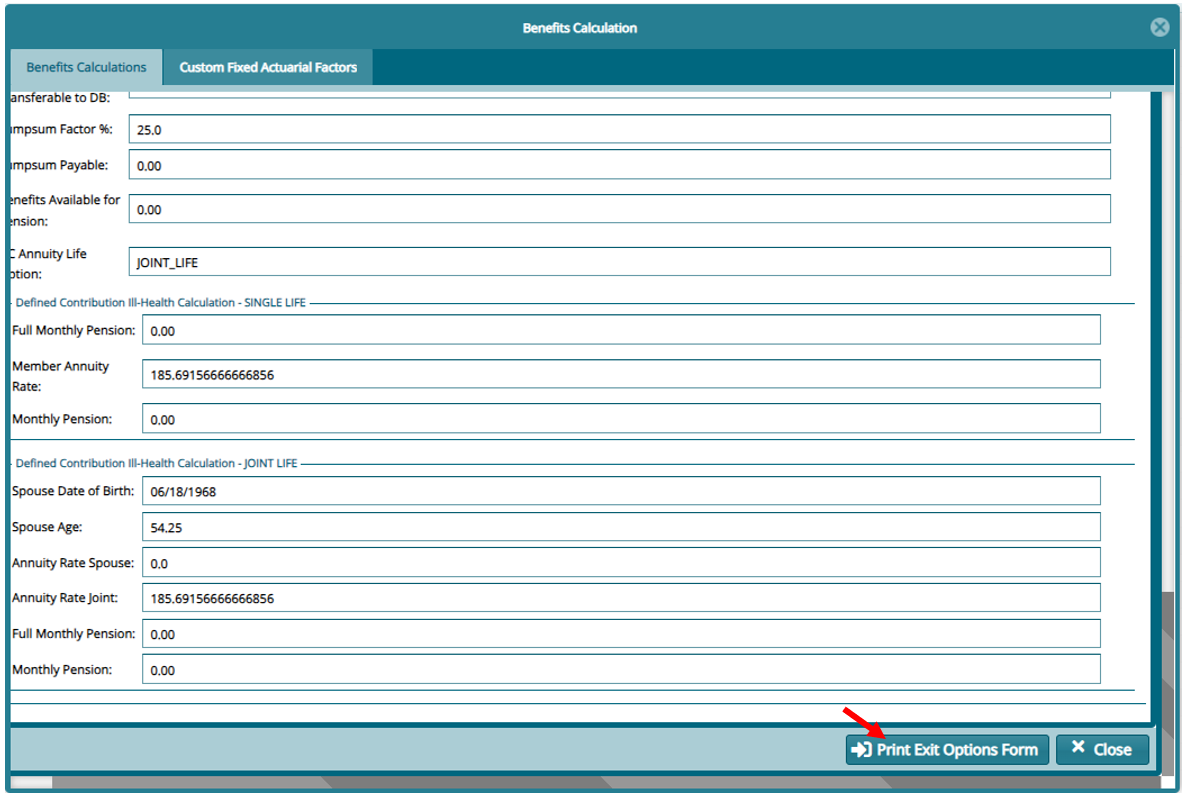
Step 3: Confirm Calculation
Confirm the option to proceed with the calculation then on the window that opens confirm the calculation and click on "Print Exit Options Form"
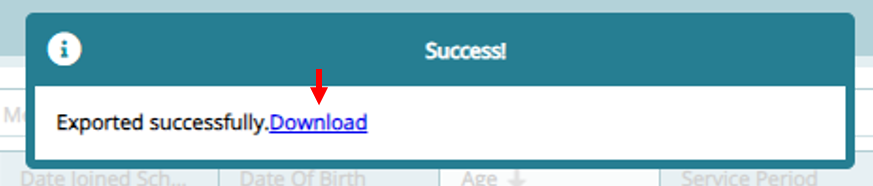
On print a download option with pop up. Click on it and review the saved form before proceeding.