# Pensioner Suspension
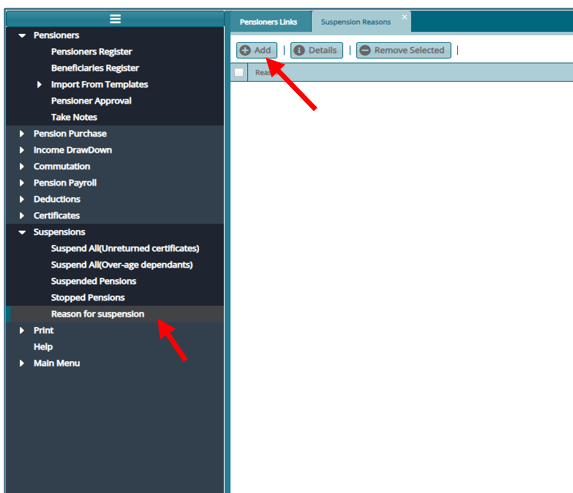
Click "Suspensions" then on "Reason for Suspensions" on the Left panel from the pensioner Register.
- On the register that opens Suspension Reason. Click on "Add"
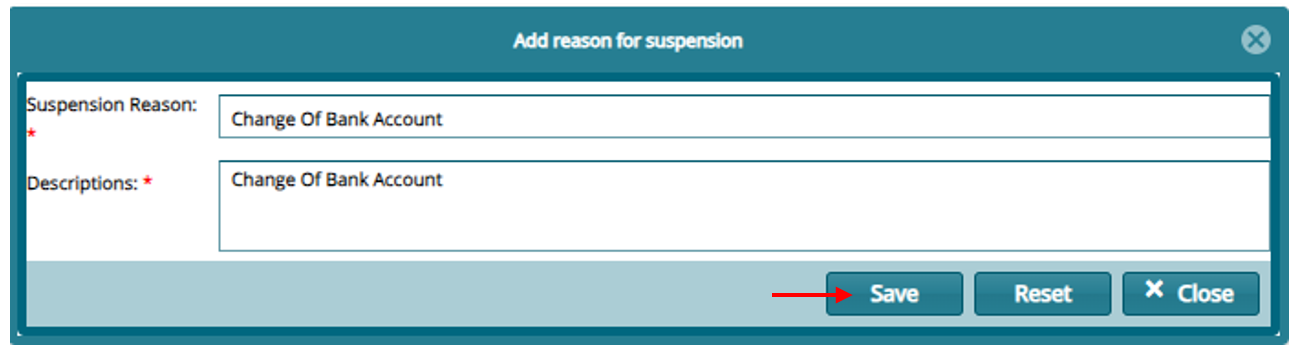
- On the window that opens provide the reason and "Save"
To process suspension: Proceed to the payroll register and click on "Movement Processing" and then on "Suspend Pension"
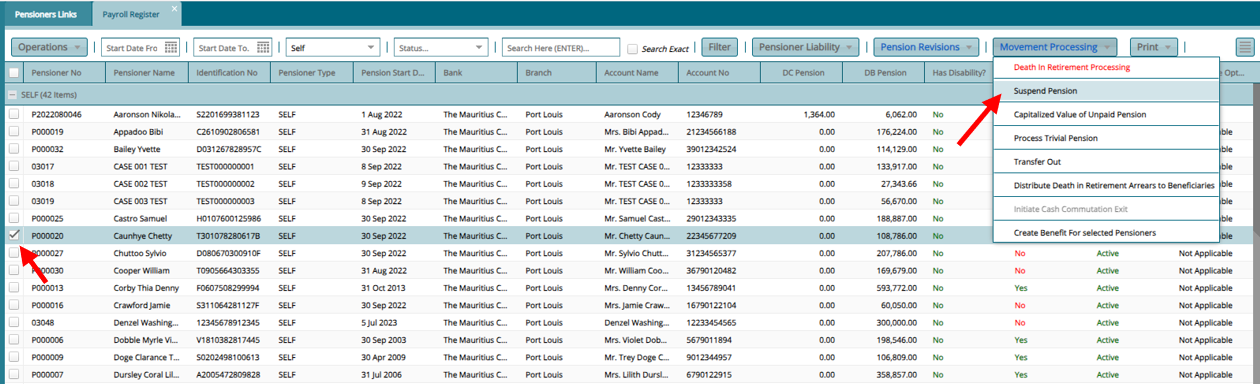
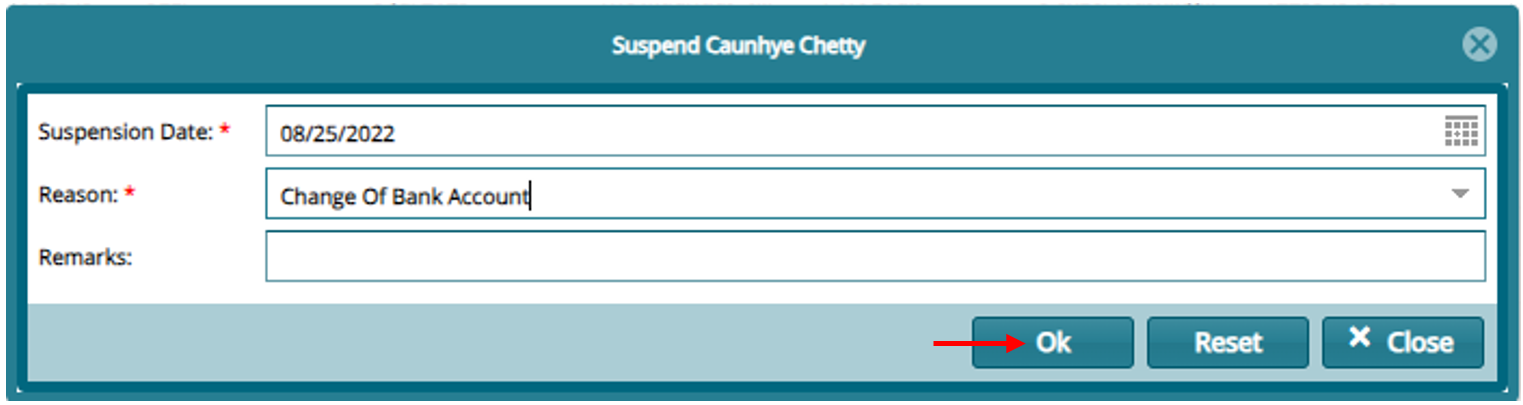
Suspend a selected pensioner by clicking the uspend Pension menu item and then click Ok on the dialog box as shown below: